

Localix
Local privacy.
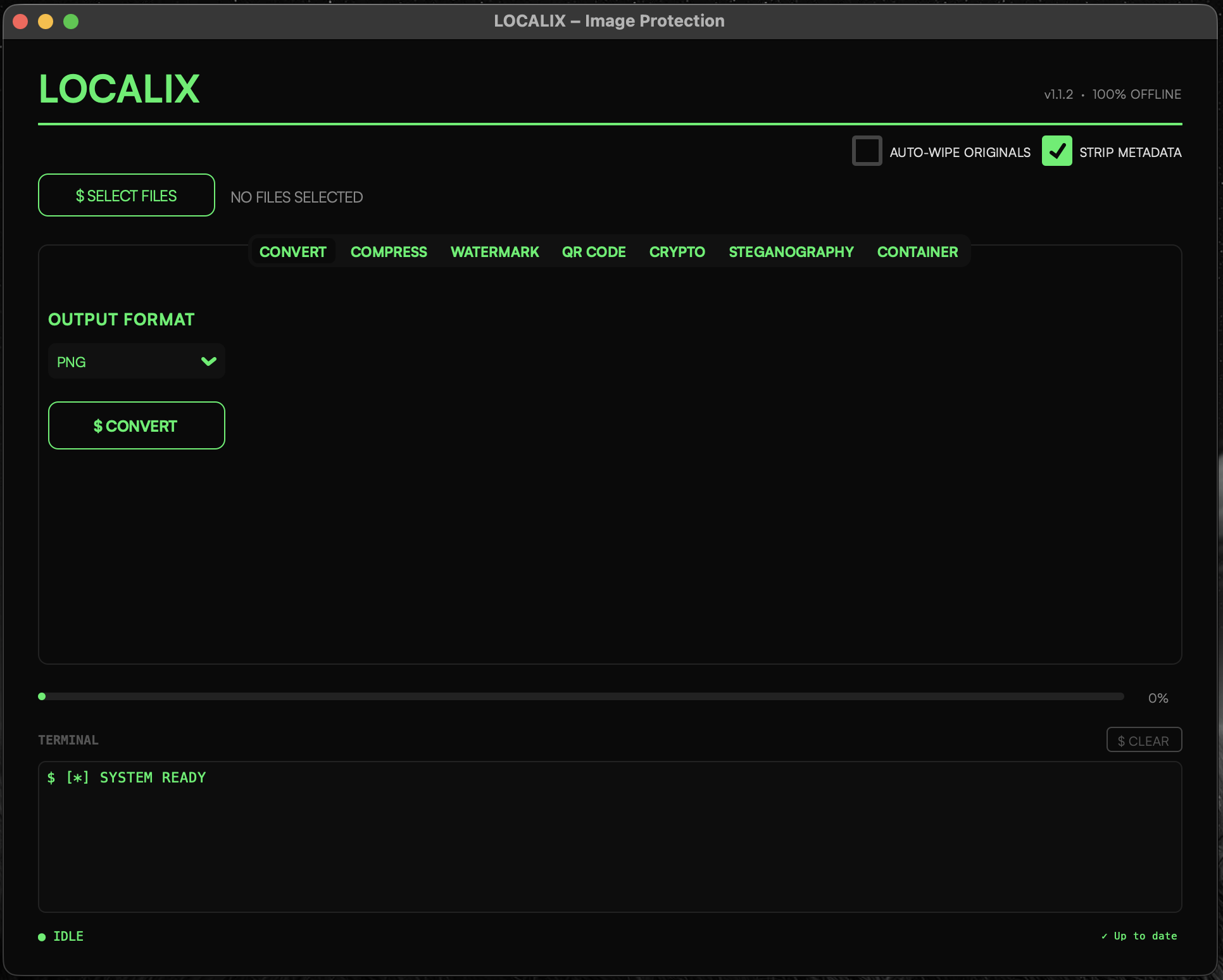
Localix is a native macOS privacy toolkit designed for anyone who handles sensitive images — journalists, security researchers, OSINT analysts, and privacy-conscious users. Strip metadata, split secrets, hide files in plain sight, watermark, encrypt, and batch-process everything locally. Nothing ever leaves your machine.
Everything you need
Six tools. One application.
Zero compromises.
Every operation runs locally. Your files never touch the network.
Metadata Stripping
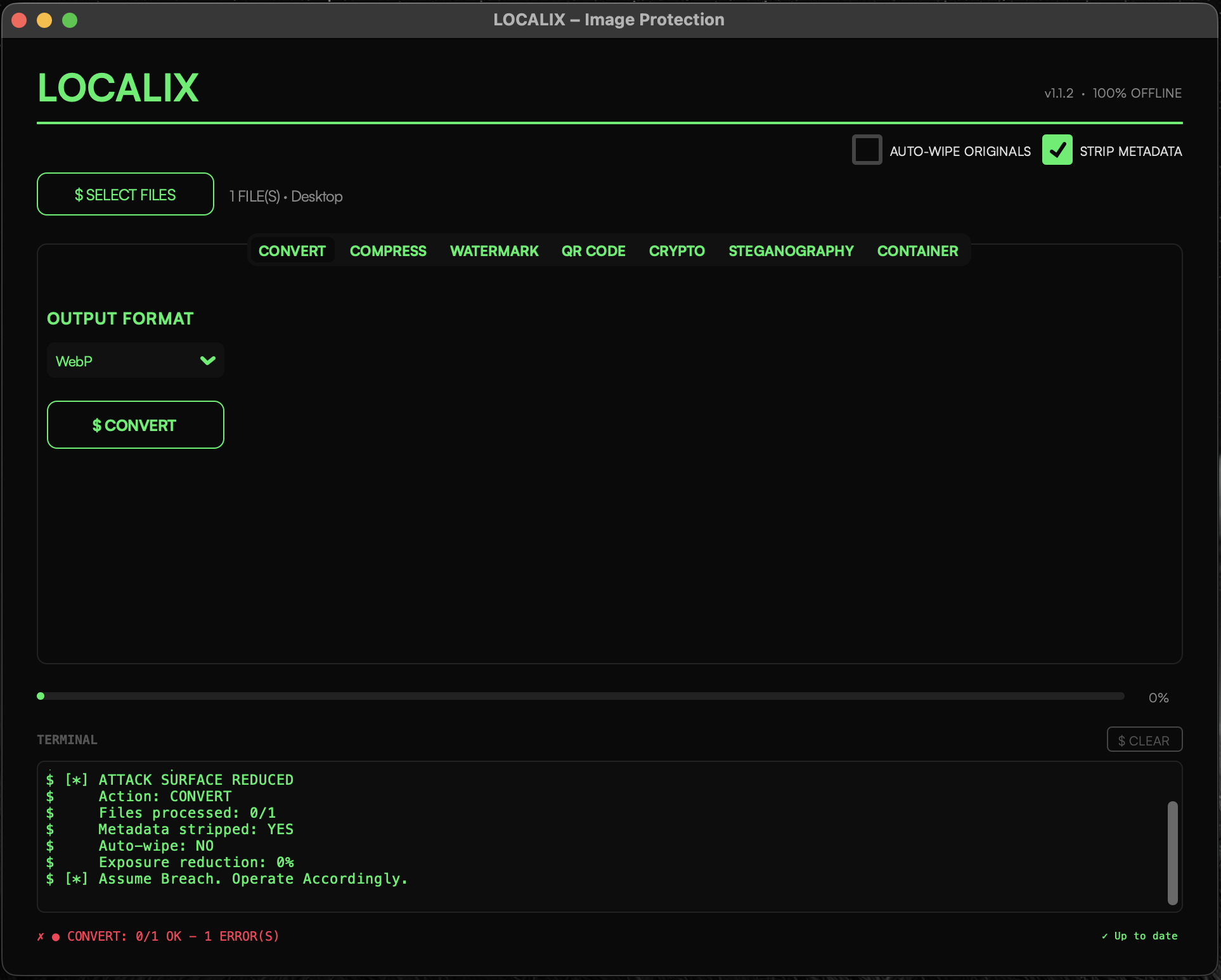
Remove EXIF, XMP, IPTC — every byte of embedded metadata — using exiftool -all=. Operates on a clean copy so your originals are never modified.
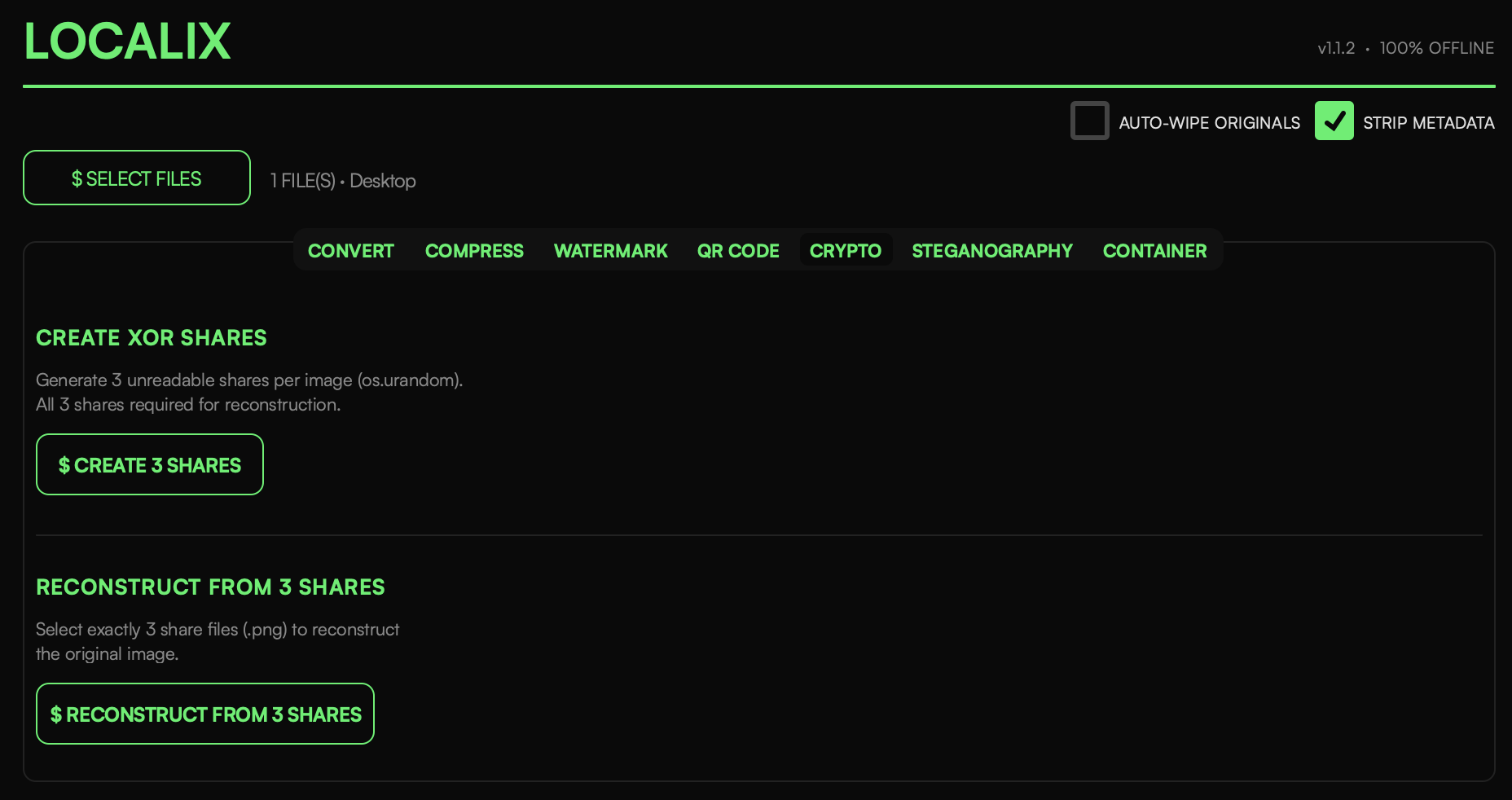
XOR Secret Sharing
Split any image into 3 cryptographically-random shares. No single share reveals anything. All 3 shares required for reconstruction. Pure random noise, impossible to brute-force.
3-of-3 scheme • os.urandom()LSB Steganography
Hide any file inside a carrier image by replacing the least significant bits of each pixel. Optional XOR-based password protection with SHA-256 key derivation.
Encode / Decode • Password protectionWatermarking
Two modes: simple single-position text overlay with configurable opacity, or Filigrane — a repeating tile pattern with density and orientation controls. Save and load presets per project.
Presets • Filigrane modeSecure Containers
Encrypt all processed output into a single password-protected archive. AES-256 via pyzipper with PKWARE ZipCrypto fallback. Optional auto-wipe of originals after packing.
AES-256 • Auto-wipeBatch Processing
All operations support multiple files simultaneously. Live progress bar with per-file error reporting. Output organized by date and image name in a clean directory structure.
Multi-file • Progress barSimple workflow
Select. Configure. Execute.
No learning curve.
Select Files
Drag and drop or pick files. All common image formats supported — JPEG, PNG, HEIC, WebP, TIFF.
Choose Operation
Pick from the tab bar: Metadata, Crypto, Steganography, Watermark, or Container. Configure your options.
Execute
Hit the action button. Everything runs locally. Output is saved to a neatly organized directory.
Privacy Guarantees
Trust is not required.
Verification is.
Localix makes zero network connections. No telemetry, no analytics, no crash reporting. Every operation is fully offline.
Built for macOS. Built for privacy.
Requires macOS 13.0+ (Ventura or later). Native Apple Silicon. Intel supported but no pre-built binary. ExifTool auto-installed on first use.